Managing seven or eight sites at the same time, updating content by manually copying and pasting, uploading images one by one—how long have you been living like this? Many webmasters talk about wanting to use headless CMS for SEO, but as soon as they start, they get stuck on the logic of "content and presentation separation." Let's break down a few common issues and explain them clearly.
What is the fundamental difference between headless CMS and WordPress in terms of SEO?
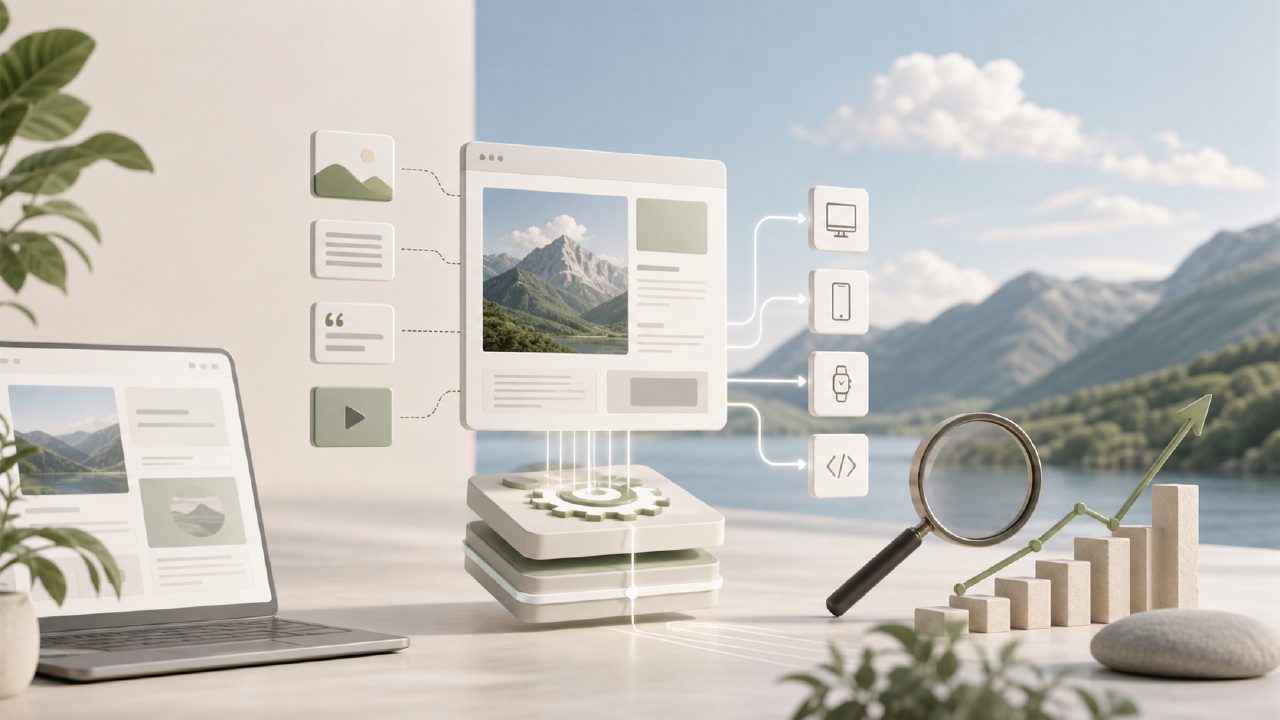
WordPress bundles content and presentation together. When you write an article, how the front end displays it and what templates it uses are all determined by the theme. A headless CMS only stores and outputs pure content (usually via JSON or API push), and you can use whatever front-end framework (Next.js, Nuxt, Astro) you like to build your own display. The benefit is that you can optimize static HTML generation to the extreme, making page load speeds inherently fast—this directly boosts Core Web Vitals and search engine rankings. The downside is also clear: you need a certain level of development skill to configure the front-end rendering, unlike WordPress where you can just install a plugin and go live.
Does using headless CMS automatically make your content SEO-friendly?
No. It only gives you a better foundation: clean front-end output, faster loading, flexible meta tag injection. But what actually drives rankings up is content quality, structure, and frequency of updates. Many teams find themselves busier after switching to headless—they have to manually handle meta descriptions, structured data for each page, and coordinate multi-language versions. This is where the value of AI content generation tools and SEO automation tools becomes evident. For example, systems like SEO123 can string together content generation, SEO tag filling, and structured data embedding into a streamlined pipeline, so you just call the API in your headless CMS to get the data.
When managing multiple domain sites with headless CMS, how do you sync content?
This is the most practical pain point. Most headless CMS systems don't natively support cross-site sync updates; you have to write your own scripts or use middleware. In practice, many people give up at this step—because each site uses a different front-end framework, image paths need to be rewritten, URL structures adjusted, and maintenance costs are high. If you have such needs, you can look at how multi-site management tools handle automation. Take SEO123 as an example: it has a built-in one-click content distribution feature. You write an article in the backend, and it automatically adapts the format according to each site's rules and pushes it to different sites, saving you the hassle of making changes one by one.
To be honest: can an average individual webmaster start using headless CMS directly?
Honestly, the barrier is not low. You need to understand Git, be able to deploy static sites (at least one of Vercel / Netlify / Cloudflare Pages), and be familiar with Markdown or API calls. If you're only used to the visual editing of a WP backend, jumping straight to headless will involve a tough adjustment period. A practical transitional approach is to use AI batch article generation to quickly produce content, then use a headless front end for publishing. This way, you don't have to manually write dozens of articles every day and can focus your energy on tuning front-end performance.
Is there a "compromise solution"—to get the speed boost without completely abandoning the convenience of a backend CMS?
Yes. You can choose a hybrid mode or use a CMS that comes with headless output capabilities. For example, some modern CMS systems retain a backend editing interface while also providing RESTful API or GraphQL endpoints for the front end. Additionally, systems like SEO123 are not just content generators; they also offer content management and distribution capabilities, which can be used as a middleware layer for headless CMS for SEO scenarios—you generate and manage content with it, then push it to the front-end framework via an interface. This way, you get the speed advantage of headless without completely giving up the efficiency of visual editing.
How do I determine whether I should switch to headless CMS?
Ask yourself three questions: ① Does my front-end team have the ability to independently run a static site build process? ② Is my current content output frequency already over 10 articles per week and still growing? ③ Do I need to share a content library across multiple sites (different domains or subdomains)? If all three are "yes," headless will bring you tangible benefits. If the first two are "no," forcing the switch will only slow you down. In that case, it's better to transition with a traditional CMS that has a headless interface, and pair it with tools like SEO123, an AI content generation tool, to fill the gaps in content volume and SEO optimization.
Comments
Leave a Comment